The social registry claim objection facility inside your Family Login gives you an official way to correct your record. Use it for a wrong name, incorrect family details, or a missing record after the Lakshmir Bhandar migration. You can explain the problem and upload documents as proof so the officials who handle your file can review it.
The portal offers two different routes: Claim by Applicant and Objection Against Someone. Choose the right one before submitting anything. This guide explains the difference, shows you how to file a claim, and tells you what to expect while you wait for a decision.
Quick Answer
Log in at socialregistry.wb.gov.in using your district, registered mobile number and OTP. Open Claim & Objection inside your family record. Choose Claim by Applicant to correct your own record. This facility was reported open from 20 August 2026.
Upload documents that prove the correct information. Choose Objection Against Someone only when the problem concerns another person’s entry. The government has not published an official decision timeline. Your BDO or SDO office holds your claim file.
Claim vs Objection — Pick the Right One
The Social Registry provides two routes because not every record problem concerns the same person. One route helps you correct your own information. The other lets you raise a concern about someone else’s entry.
Choose carefully. If you select the wrong route, you may not send your problem to the right place.
| Route | Use it when | Example problems |
|---|---|---|
| Claim by Applicant | The problem sits in YOUR record | Wrong name spelling; wrong detail in the family record; your record missing or incomplete after the Lakshmir Bhandar migration; a document needs updating |
| Objection Against Someone | The problem concerns ANOTHER person’s entry | An entry you believe is wrong or duplicated for someone else |
Most readers need a Claim. Objections do not fix your own name or number.
Before You File — Get These Ready
Prepare these three things before you open the facility.
- Your registered mobile number
Your Citizen / Family Login depends on your registered mobile number. Keep the phone near you because the portal sends an OTP to that number.
If you need help signing in, follow our Annapurna Bhandar portal login guide for the Citizen / Family Login steps. - Documents that prove the correct information
Keep clear photos or scans of your documents ready before you start.
For identity and name problems, use:- EPIC (voter card).
- Aadhaar.
- A clear explanation of the problem
Think about the problem before you open the claim form. Write down the wrong detail and the correct detail in simple words.
File ONE clear claim per problem. Explain exactly which detail is wrong and what it should be. Vague claims travel slowly because officials cannot act on unclear requests.
How to File a Claim
- Open the official portal at socialregistry.wb.gov.in.
- Log in through the Citizen / Family Login using your district, registered mobile number and OTP.
- Open the Claim & Objection facility inside your family record.
- Choose Claim by Applicant for a problem in your own record.
- Select the problem and write the correct detail in clear words.
- Upload documents that prove the correct detail — use clear photos or scans, and check the files before you submit them.
- Submit your claim, then write down the date and the details you filed.
If you want the wider background, see our complete Social Registry guide.
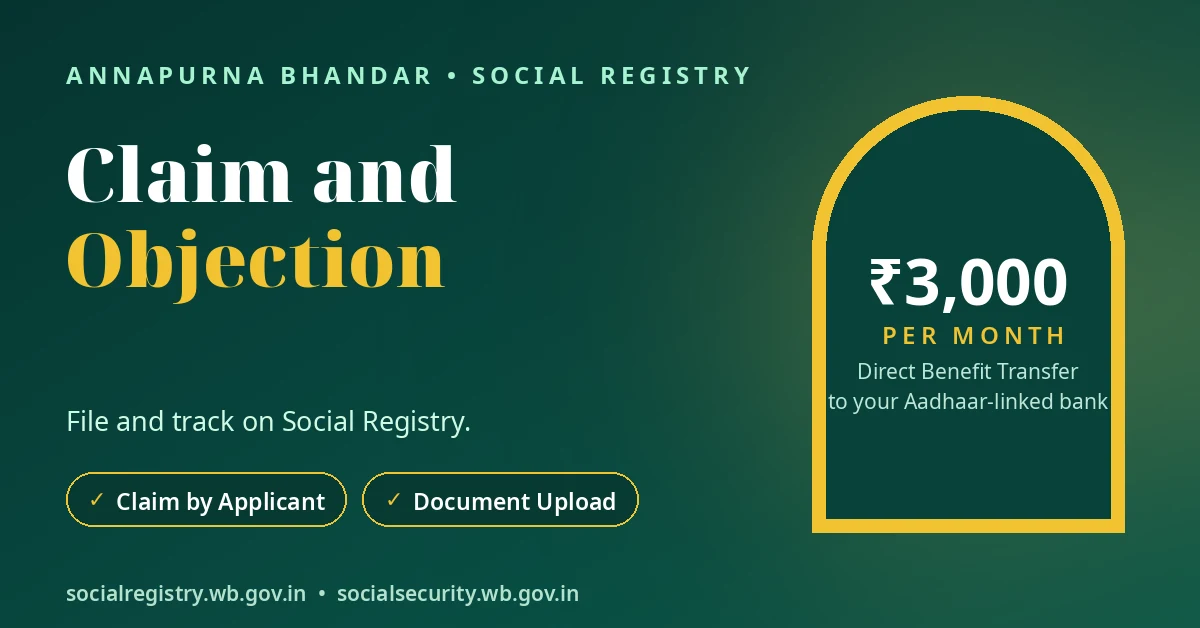
After You File — What Happens and What Does Not
Your claim stays with the officials who run the process. Your BDO recommends the eligible list in a rural area, and your SDO recommends it in an urban area. The District Magistrate then sanctions the list. In Kolkata, the KMC Commissioner sanctions it.
No official document publishes a claim decision timeline. Anyone who promises a decision in a fixed number of days is guessing.
Your BDO or SDO office holds your claim file. It holds the exact position of your claim, and no website can show it.
Check your status inside the same login. This helps you see the latest label on your record. If you want to understand the different labels, use our Annapurna Bhandar status meanings guide to understand labels such as Enquiry Reverted while your claim stays pending.
If the office rejects your claim because of a record problem you can prove, visit the BDO or SDO office with your EPIC and Aadhaar. Ask the office for the reason on record, then act on that reason.
Three Mistakes That Waste Weeks
Avoid these common mistakes. Each one can delay your claim by weeks.
- Filing an Objection for your own problem
Mistake: Choosing Objection Against Someone when the problem sits in your own record.
Correction: Select Claim by Applicant for your own record. An objection only relates to someone else’s entry. - Uploading nothing
Mistake: Submitting a claim without proof.
Correction: Attach documents that show the correct detail. The facility accepts document uploads for this reason. A claim without proof gives the office nothing to act on. - Paying an agent to “file it faster”
Mistake: Paying an agent to file your claim quickly.
Correction: File the claim yourself in your own login at no cost. Agents cannot speed up an office decision. Sharing your OTP hands your record to someone else. If someone cheats you, report cyber fraud on 1930.
বাংলায় সংক্ষেপে
নিজের record-এ ভুল থাকলে Family Login-এ ঢুকে Claim & Objection খুলুন।
আপনি “Claim by Applicant” বেছে নিন।
District, registered mobile number ও OTP দিয়ে login হয়।
সঠিক তথ্যের প্রমাণ হিসেবে document upload করা যায়।
অন্য কারও entry নিয়ে সমস্যা হলে সেটি Objection।
সিদ্ধান্তের কোনও সরকারি সময়সীমা প্রকাশিত হয়নি।
আপনার file BDO / SDO office-এর কাছে থাকে।
Claim জমা দেওয়ার জন্য কাউকে টাকা দেবেন না।
OTP কারও সঙ্গে শেয়ার করবেন না।
Conclusion
The claim facility is the record-fixing door for the Social Registry. Choose the right route, describe the problem clearly, and upload proof that supports the correct detail. Then stay patient while the office that holds your file reviews the claim.
Use the facility inside your own Family Login. Do not pay an agent, and do not share your OTP with anyone. Keep a note of your filing date and the details you submitted so you can follow up with the office if needed.
Disclaimer: This website is an independent information guide. It is not a government website and has no affiliation with the Government of West Bengal. We cannot file, track or decide claims. File only inside your official Family Login; we collect no personal details.
FAQs
What is the Claim & Objection facility on the Social Registry?
It is a facility inside your Citizen / Family Login. It helps you correct a record problem or raise a concern about another person’s entry. You can describe the problem and upload documents as proof.
What is the difference between a claim and an objection?
A claim fixes a problem in your own record. An objection concerns another person’s entry. Use Claim by Applicant for your own name, details, or missing record. Use Objection Against Someone only for another person’s entry.
How do I file a claim for a wrong name?
Log in through the Citizen / Family Login with your district, registered mobile number and OTP. Open Claim & Objection in your family record. Choose Claim by Applicant, select the problem, write the correct name clearly, and upload your EPIC and Aadhaar as proof.
What documents should I upload with a claim?
Upload documents that prove the correct detail. For a name or identity problem, use your EPIC and Aadhaar. Keep the photos or scans clear so the office can read them easily.
How long does a claim take to be decided?
No official document publishes a claim decision timeline. The BDO or SDO office holds your file and its exact position. Anyone who promises a decision in a fixed number of days is guessing.
Can I file a claim without logging in?
No, you cannot file a claim without logging in. The facility sits inside the Citizen / Family Login. You need your district, registered mobile number and OTP to open your family record and use it.
An agent offered to file my claim for a fee. Should I pay?
No, you should not pay an agent. Filing is free inside your own login. Agents cannot speed up an office decision. Do not share your OTP with anyone. If someone cheats you, report cyber fraud on 1930.
Portal details last checked: 10 November 2026.