The annapurna bhandar fake website problem is real, not just a rumour. Fake application links circulated before the official portal existed. Telegraph India reported that these links appeared on 25 May 2026. Bengal Police also ran a public campaign against mirror websites built to harvest bank and mobile details. The real scheme uses exactly two government addresses. It never charges a fee, and it never asks for an OTP.
This article explains each fraud pattern, shows you a two-minute address check and explains what to do if you have already clicked a suspicious link or made a payment.
Quick Answer
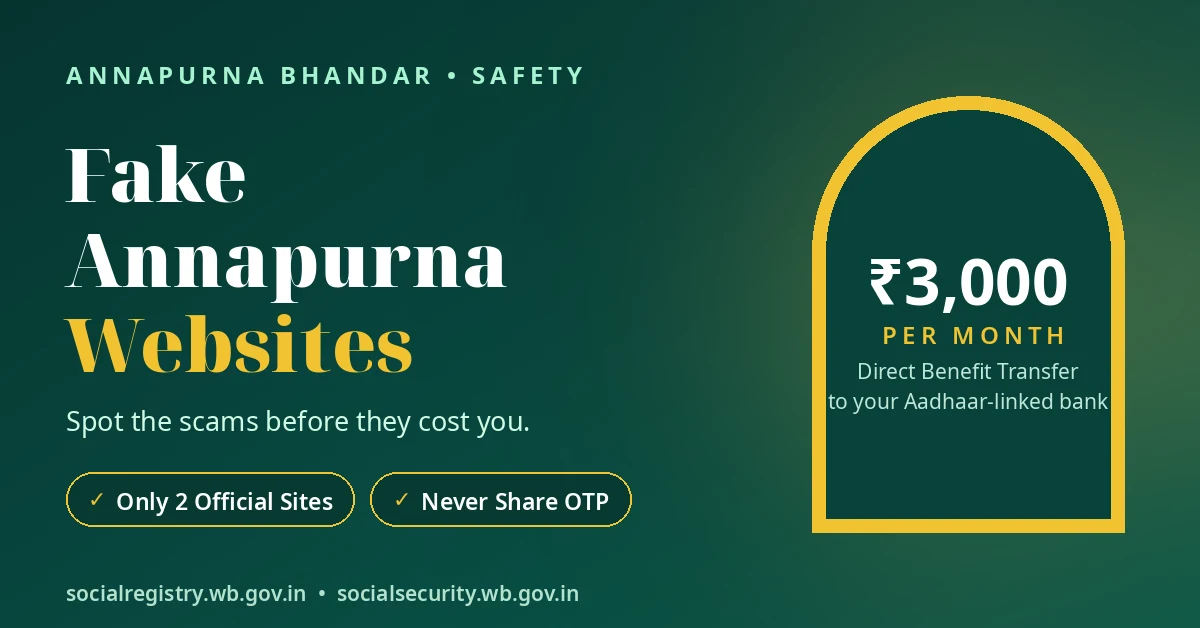
Trust only these two government addresses for Annapurna: socialregistry.wb.gov.in and socialsecurity.wb.gov.in.
Every other Annapurna website, link, form or app is not the government. The real process never asks for OTP, bank passwords or any fee.
If a website or message asks for any of these, close it. Report cyber fraud by calling 1930.
The Documented Record
Fake Annapurna links appeared even before the government portal became active.
On 25 May 2026, Telegraph India reported that fake Annapurna application links were already circulating. The official portal was not active at that time. A minister urged people not to trust such links.
This warning matters because people were looking for application information before the official portal existed. Scammers used that gap to circulate false links.
The Times of India also reported that Bengal Police ran an awareness campaign against mirror websites. These mirror websites are lookalike pages that collect bank and mobile details.
Bengal Police advised people to:
- Never share OTPs or bank credentials.
- Ignore enrolment offers arriving through SMS.
- Avoid application offers sent through WhatsApp.
- Ignore similar offers on Facebook.
- Report cyber fraud by calling 1930.
These warnings give us a clear lesson. When the police and a national newspaper both document a fraud pattern, you should treat every lookalike page with suspicion. The burden of proof rests on the page, not on you.
The Patterns, One by One
Not every reported Annapurna scam follows the same method. Some patterns have appeared in newspaper reports. Others have only appeared in blogs written about the scheme.
The table below separates documented warnings from blog-reported patterns.
| Pattern | How it works | Evidence |
|---|---|---|
| Mirror website | A lookalike page copies the official design and asks for bank or mobile details. | Documented — Bengal Police campaign, reported by TOI. |
| Fake application link | A link promises an application form before or outside the official portal. | Documented — Telegraph India, 25 May 2026, before the portal became active. |
| WhatsApp “form fee” | A forwarded form arrives with a ₹99–₹299 payment request. | Blog-reported — treat any fee demand as the fraud signal itself. |
| Paid early entry | During a closed application window, someone offers early or guaranteed submission for money. | Blog-reported — the real official process is free. |
| “Reactivation fee” | Someone tells a migrated beneficiary to pay money to restore her record. | Blog-reported pattern — no official fee exists at any step. |
| Fake app | A download link offers an “Annapurna app”. | No official app exists in any official source. |
1. Mirror Websites
A mirror website copies the appearance of a real government page. It may use similar colours, headings and application instructions.
The danger comes when the page asks you to enter your mobile number or bank details. Bengal Police say these pages can collect your banking and mobile information.
Do not trust a page simply because it looks like a government website. Always check its actual address before sharing any detail.
2. Fake Application Links
Telegraph India reported fake Annapurna application links on 25 May 2026, before the official portal became active. A minister warned people not to trust them.
This shows why forwarded application links can be dangerous. A message may promise that you can apply early or access a form that does not officially exist yet.
3. WhatsApp Form Fees
Some scheme blogs have reported WhatsApp messages that offer an Annapurna form in exchange for ₹99–₹299.
These reports do not establish that every such message follows the same pattern. However, the payment request itself should alert you.
The official process does not charge a form fee. Do not pay someone who promises to send you an application form.
4. Paid Early Entry
Blog reports also describe offers for paid early entry or guaranteed submission during closed application windows.
Someone may claim that paying a small amount will secure your place before applications reopen.
Do not trust this promise. A private person cannot sell guaranteed government submission. The official process is free and follows its own schedule.
5. Reactivation Fee
Another blog-reported pattern involves demands for a reactivation fee.
For example, someone may tell a woman who moved from Lakshmir Bhandar to Annapurna that she must pay money to keep her record active.
Do not make this payment. No official Annapurna step requires a reactivation fee.
6. Fake Annapurna Apps
Some download offers may advertise an “Annapurna app” for application or status checking.
However, no official mobile app appears in any official source. Treat every download offer claiming to be the official app as unverified.
Do not download an app just because a WhatsApp message or website calls it official.
Different costumes, one script: money or personal credentials leave your hands before any genuine government page appears.
The Two-Minute Address Check
You do not need to understand website design to identify the official Annapurna portals. You only need to check the address in your browser.
Follow these four steps before entering any information.
Look at the address bar.
Check the website address at the top of your browser. Do not judge a page by its colours, logo or layout. Anyone can copy a website’s design.
Check the government domain.
The two official addresses end in wb.gov.in:
- socialregistry.wb.gov.in — the Social Registry and Family Level Data Collection portal.
- socialsecurity.wb.gov.in — the Annapurna Yojana portal address.
Read the complete address, not just the website name shown inside the page.
Close anything with a different address.
If the address does not match either official government website, do not enter your details.
Be especially careful with short links, lookalike websites and pages that open directly from WhatsApp messages.
Type the official address yourself.
Instead of following a forwarded link, open your browser and type the official address manually.
This simple habit helps you avoid links that may lead to copied or misleading pages.
If you want to understand both official portals and the purpose of each, visit our Annapurna Bhandar portal guide, which explains the two government addresses and their functions.
Three Things the Real Process Never Asks
Remember these three rules whenever you use an Annapurna website.
1. Your OTP
Never read an OTP to a stranger or type it into an unknown website.
The real login process sends an OTP to your own phone for your login on the official portal. A stranger has no reason to ask you to share that code.
2. Your Bank Password or PIN
Never share your bank password, PIN or full account credentials with someone claiming to help with Annapurna.
The government sends the benefit into your Aadhaar-linked bank account. It does not need your banking password to make that payment.
3. Any Application or Service Fee
The official process is free at every step.
That includes application, form submission and any claimed reactivation. Nobody needs to collect money from you to complete these official steps.
One request for an OTP, bank credentials or a fee should end the conversation. Hang up, close the tab and report cyber fraud on 1930.
If You Already Clicked or Paid
Do not panic if you have already opened a suspicious link. Focus on protecting your information and reporting the incident.
Follow these steps:
Step 1: Stop communicating with the sender.
Do not share anything further. Do not provide another OTP, bank detail or personal detail, even if the person pressures you.
Step 2: Contact your bank if you shared banking information.
If you entered your bank details or shared an OTP, contact your bank immediately. Follow its fraud-reporting process.
Do not wait for the person who sent the link to explain what happened.
Step 3: Report the cyber fraud.
Call 1930, the national cyber-fraud number, and report the incident.
Explain what happened and provide the information you have about the suspicious activity.
Step 4: Keep the evidence.
Save screenshots of the suspicious page and messages. Keep the sender’s phone number and the link.
Do not delete useful evidence before you make your report.
Step 5: Warn your family.
Tell family members who may have received the same forwarded message. Ask them not to open the link or make any payment.
Acting in the first few hours matters more than feeling embarrassed. These patterns target ordinary people. Bengal Police ran their awareness campaign because these tricks succeeded with careful people too.
If you need to identify the verified government grievance contacts, see our Annapurna helpline guide.
বাংলায় সংক্ষেপে
Annapurna-র আসল website মাত্র দুটি: socialregistry.wb.gov.in ও socialsecurity.wb.gov.in।
Fake link official portal চালু হওয়ার আগেই ছড়িয়েছিল। Telegraph India ২৫ মে ২০২৬ তারিখে এই বিষয়ে রিপোর্ট করেছিল। Bengal Police mirror website নিয়ে মানুষকে সতর্ক করেছে।
আসল Annapurna process কখনও আপনার OTP, bank password বা কোনও fee চায় না।
WhatsApp-এ কেউ “form” পাঠিয়ে ₹99–₹299 চাইলে টাকা দেবেন না। এই ধরনের fee demand প্রতারণার সংকেত।
কোনও official Annapurna mobile app নেই। কোনও app download করার আগে সতর্ক থাকুন।
কোনও fraud হলে 1930 নম্বরে report করুন এবং bank details বা OTP শেয়ার করে থাকলে সঙ্গে সঙ্গে bank-কে জানান।
Conclusion
Hold three lines and every pattern on this page loses its power: Annapurna has exactly two official website addresses, the process charges no fee at any step, and you never share an OTP with anyone.
If an address is not wb.gov.in, if money is asked, or if an OTP is requested — the page in front of you is not the government, whatever it calls itself.
Disclaimer: This website is an independent information guide. It is not a government website and has no affiliation with the Government of West Bengal. We never ask for personal details, OTPs or payments. If a page using our name asks for these things, it is not us.
FAQs
How can I tell if an Annapurna website is fake?
Check the complete address in your browser. The only official addresses are socialregistry.wb.gov.in and socialsecurity.wb.gov.in. A page that uses another address is not the official portal.
Is there an official Annapurna Bhandar app?
No official Annapurna mobile app appears in any official source. Treat every website or message offering an app download as unverified.
A WhatsApp message sent me the form and asked for ₹199. What should I do?
Do not pay the ₹199 or enter your personal details through the forwarded link. Blog reports describe WhatsApp messages that ask for ₹99–₹299 as a form fee. The official process charges no fee. Report the message on 1930.
Can a website check my Annapurna status if I enter my Aadhaar?
Use only the two official government addresses when checking your scheme information. Do not enter your Aadhaar number on a third-party site. The official portals do not require your Aadhaar to prove their identity.
I already shared my OTP with a fake page. What now?
Contact your bank immediately and follow its fraud process. Report the incident on 1930 and keep screenshots, the sender’s number and the link as evidence.
Does the government charge any fee for Annapurna application?
No. The official Annapurna process does not charge an application, form, entry or reactivation fee.
Safety details last checked: 10 November 2026.